Your current tools, working together
- CRM linked to your estimating and accounting
- One client and job record across apps
- Claude or ChatGPT answering from your job data
For general contractors, specialty trades and renovation firms. Bids, jobs, subcontractors and invoices in one system that works from the truck as well as the office.
Today
After
Quote, job and invoice in one place
The tools and AI we work with
Tick the ones that sound like you.
Stage 01 / 03
Your business works, but the information lives in notebooks, spreadsheets and people's heads. We put it in one simple system your team will actually use, and we train everyone on it.
See how we startStage 02 / 03
You pay for good software, but half of it sits unused and the tools do not talk to each other. We fix the setup, automate the repetitive work and add AI where it saves real hours.
See how we startStage 03 / 03
You have seen what AI can do and the off-the-shelf tools now feel like a compromise. We build the platform that fits your business exactly, with AI built in from day one.
See how we startWe work with what you have.
Requests from every channel land in one list, sorted by trade, size and deadline.
AI prepares a draft from your past jobs and price list. Your estimator reviews and decides.
The foreman talks for one minute. The report, photos and hours are filed to the job.
Expiry dates for licences, trade cards and insurance certificates tracked, with reminders.
Licences, hours by trade, health and safety, privacy: every province, state and country has its own rules. We set the system up around yours. In Québec, for example, that means RBQ, CCQ, CNESST and Law 25. Elsewhere, we start from your own requirements.
Contractor licence numbers and renewal dates on every subcontractor record
Hours and trades captured in a form your payroll and required reports can use
Health and safety documents stored with the job
Client personal information handled under the privacy law that applies to you
We have worked with Canning Construction, a construction company based in Australia.
Industries
The same method, adapted to the tools, the vocabulary and the rules of each field.

Service calls, schedules, work orders and invoices in one system your technicians use from the truck.
See how
Emergency calls answered at any hour, dispatch, quotes, work orders and invoices in one system for plumbing companies.
See how
Estimates, service calls, project jobs, permits and inspections and invoices in one system for electrical contractors.
See how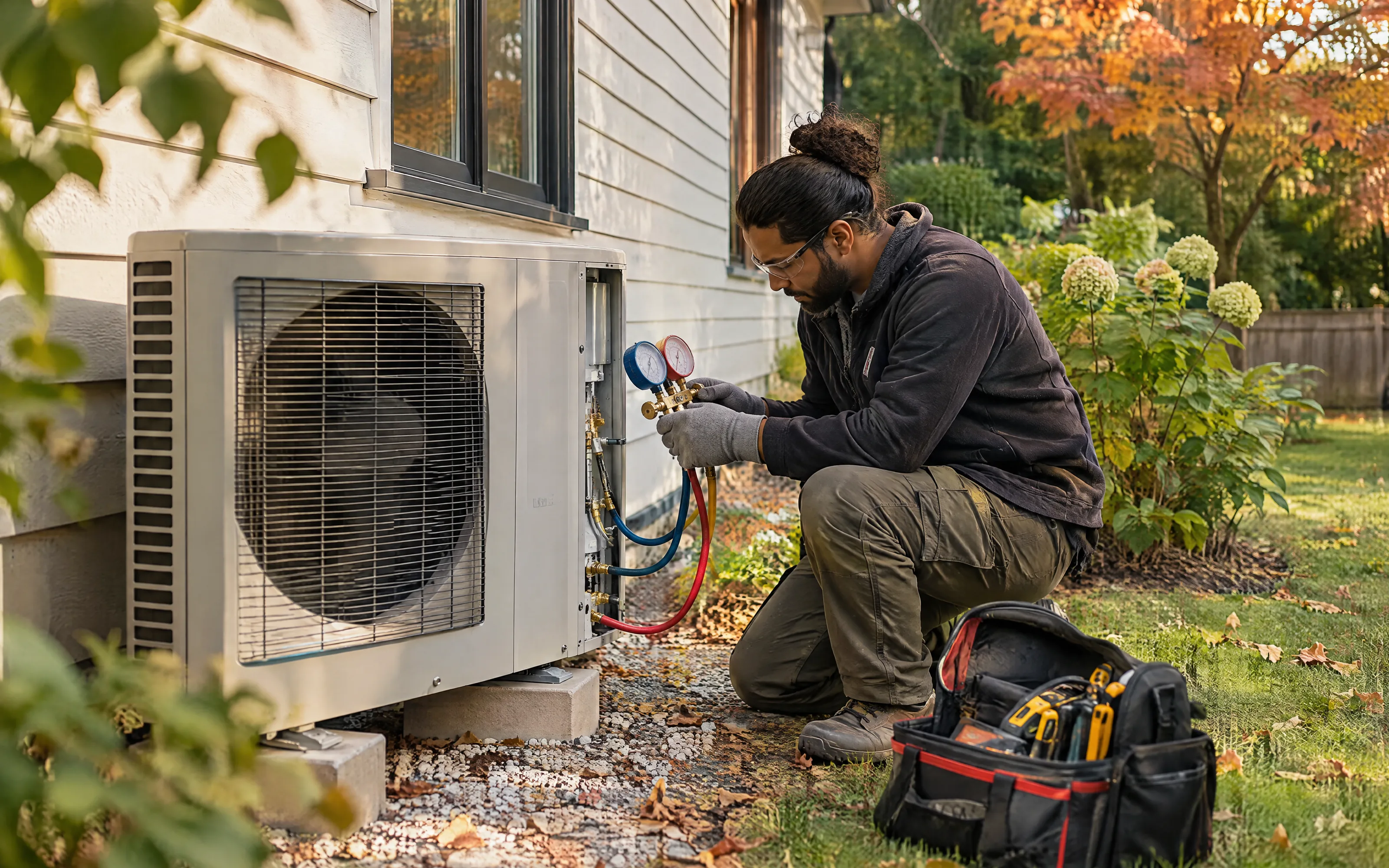
Service calls, install quotes, maintenance plans, seasonal peaks and invoices in one system for heating and cooling contractors.
See how
Leads, roof inspections, estimates with photos, crew schedules that move with the weather, and insurance claim files in one system.
See how
Seasonal contracts, routes, crews, design quotes and renewals in one system for landscaping, lawn care and snow removal companies.
See how
Quotes, recurring contracts, shift schedules, quality inspections and invoices in one system for commercial and residential cleaning companies.
See how
Urgent calls, inspections, treatment plans, follow-up visits, product logs and recurring contracts in one system for pest control companies.
See how
Quote requests, inventories, crew and truck schedules, deposits and claims in one system for moving and storage companies.
See how
Site surveys, quotes, installs, monitoring contracts, service calls and guard schedules in one system for security companies.
See how
Leads, detailed estimates, client selections, trade schedules, change orders and progress payments in one system for home renovation contractors.
See how
Every lead followed up faster, less paperwork, and a CRM that matches how your brokers sell.
See howThere is no single answer. A renovation firm with five people and a general contractor with eighty do not need the same thing. We compare two or three options against your real process.
Only if it is faster than paper. We design the mobile screens with a foreman, keep them to a few taps and add voice input.
In most cases yes. We check your accounting system's connection options during the first call.
In a free call we follow one real job with you and point out where time and money leak.
What would you fix first?
On the call we walk through your sales process and find where leads and follow-ups get lost.
Ask TECHMA
Answers from our siteAsk in your own words. I answer from this site, tell you honestly when it is not something we do, and can book your free call right here.