Your construction software, used to the full
- Buildertrend, Jobber or your current tool configured for your process
- Estimating, accounting and e-signature connected
- Claude or ChatGPT for estimates, updates and change orders
For kitchen and bathroom renovators, basement finishers, general renovation contractors and design-build firms. Leads, detailed estimates, client selections, trade schedules, change orders and progress payments in one system the homeowner can follow too.
Today
After
Choices, schedule and extras on one job file
The tools and AI we work with
A renovation is a hundred small decisions made by a homeowner who has never done it before. The contractor who keeps those decisions, dates and extras in one place keeps the margin and the client.
Tick the ones that sound like you.
The visit notes, photos and measurements become a detailed estimate from your own price list.
The client picks finishes from a list with deadlines, and each choice lands on the job.
Trades and deliveries follow one schedule, and a delay moves what depends on it.
A change is priced and approved on the phone before it is built, and added to the next payment.
Rooms, measurements and the scope dictated on site turned into a line-by-line estimate to check.
Reminders to the client for the choices that block an order, with the deadline and the consequence.
What was done, what comes next and what is needed from the client, sent every Friday.
A voice note about an added pot light becomes a change order with a price to approve.
Every project starts from how your team works today. These are the pieces we put in place most often, adapted to your services, your vocabulary and your volume.
Kitchens, bathrooms and basements built from templates and adjusted in minutes.
Every finish with its deadline, supplier, status and price difference.
Subcontractors, deliveries and inspections linked, so one change moves the rest.
Written, priced and signed before the work, with photos.
Schedule, selections, photos, documents and payments in one place for the homeowner.
Payments tied to milestones and requested on the day the milestone is reached.
Stage 01 / 03
Your business works, but the information lives in notebooks, spreadsheets and people's heads. We put it in one simple system your team will actually use, and we train everyone on it.
See how we startStage 02 / 03
You pay for good software, but half of it sits unused and the tools do not talk to each other. We fix the setup, automate the repetitive work and add AI where it saves real hours.
See how we startStage 03 / 03
You have seen what AI can do and the off-the-shelf tools now feel like a compromise. We build the platform that fits your business exactly, with AI built in from day one.
See how we startWe work with what you already pay for. If your software is not on the list, ask us: when it offers an open connection (an API), we can usually connect it.
Every country, province and state has its own rules, and so does your profession. We set the system up around the ones that apply to you, and you stay the one who decides.
Licence, permit and insurance numbers on file, with their renewal dates
Safety forms, photos and signatures stored with the job
Customer personal information handled under the privacy law that applies to you
Hours captured in a form your payroll and required reports can use
Different services, the same need: one place for the work and less time on the routine.
Kitchen and bathroom renovators
Basement finishing contractors
General renovation contractors
Design-build firms
Home addition and extension builders
Flooring, painting and finishing contractors
Industries
The same method, adapted to the tools, the vocabulary and the rules of each field.

Bids, jobs, subcontractors and invoices in one system, from the truck or the office.
See how
Service calls, schedules, work orders and invoices in one system your technicians use from the truck.
See how
Emergency calls answered at any hour, dispatch, quotes, work orders and invoices in one system for plumbing companies.
See how
Estimates, service calls, project jobs, permits and inspections and invoices in one system for electrical contractors.
See how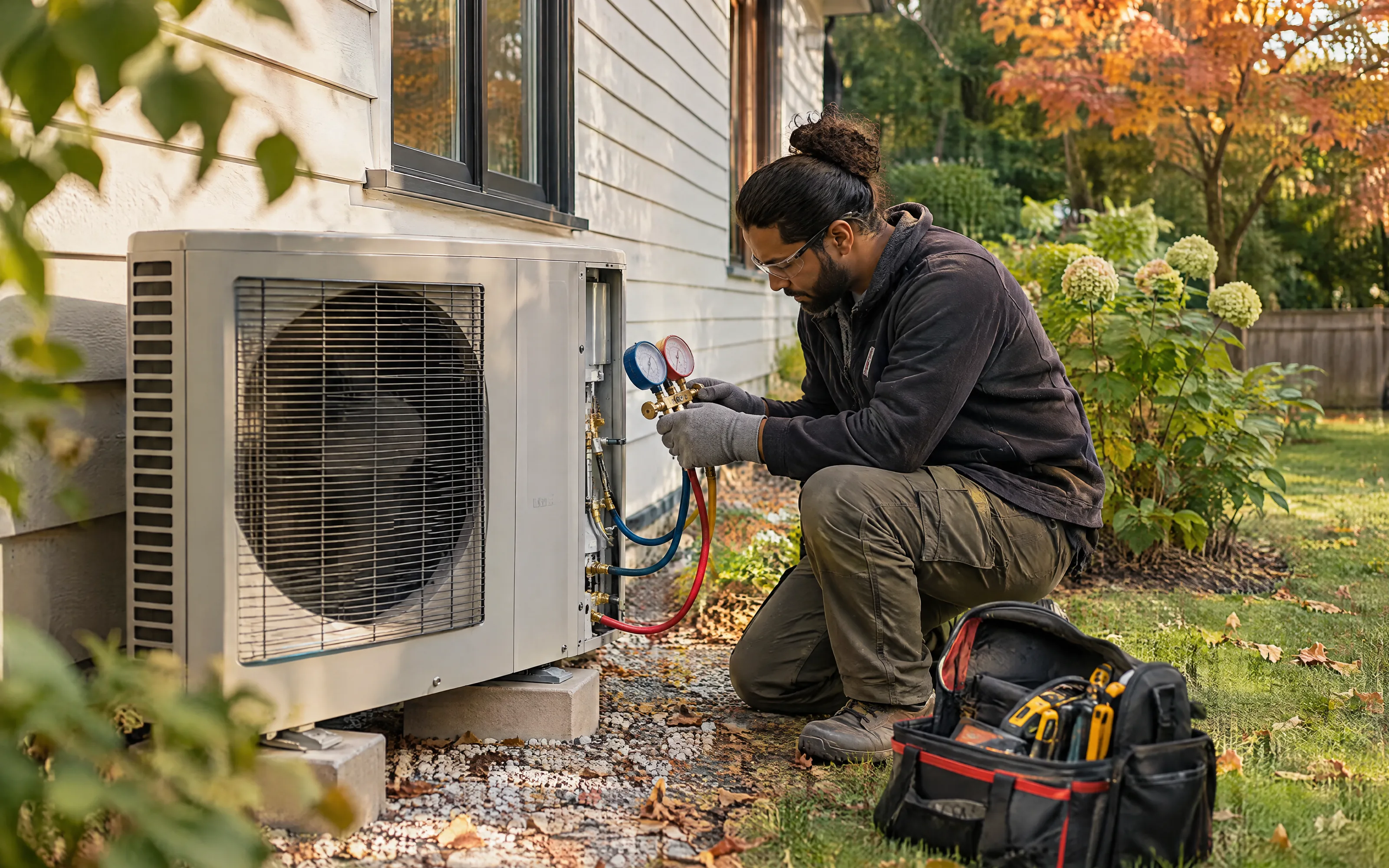
Service calls, install quotes, maintenance plans, seasonal peaks and invoices in one system for heating and cooling contractors.
See how
Leads, roof inspections, estimates with photos, crew schedules that move with the weather, and insurance claim files in one system.
See how
Seasonal contracts, routes, crews, design quotes and renewals in one system for landscaping, lawn care and snow removal companies.
See how
Quotes, recurring contracts, shift schedules, quality inspections and invoices in one system for commercial and residential cleaning companies.
See how
Urgent calls, inspections, treatment plans, follow-up visits, product logs and recurring contracts in one system for pest control companies.
See how
Quote requests, inventories, crew and truck schedules, deposits and claims in one system for moving and storage companies.
See how
Site surveys, quotes, installs, monitoring contracts, service calls and guard schedules in one system for security companies.
See how
Every lead followed up faster, less paperwork, and a CRM that matches how your brokers sell.
See howFAQ
Something else? Ask us directly
Buildertrend and similar tools cover schedules, selections and client portals well. Smaller contractors often do better with a lighter CRM and a few connected tools. A custom build fits when your estimating is your edge. We look at your number of jobs and how you estimate.
Yes, for the draft. It turns your visit notes and measurements into lines from your price list. You review the quantities and the price. An estimate that took an evening takes an hour.
Every change is written on the phone when it is discussed, priced, and approved by the client before the work. It then appears on the next payment request by itself.
Yes. A portal shows the schedule, the choices to make, photos and payments. Clients ask fewer questions because the answers are already there.
No. Most projects start by connecting what you have and adding AI where the routine work is. When a tool costs more than it gives, or forces your team to work around it, we show you what a custom build would cost so you can compare.
Yes. We work on site across Québec, online across Canada, the United States, Europe and Africa, and on the ground in Benin from our Cotonou office, in English and in French.
In a free 30-minute call, we follow one real case through your company with you and show where time and money slip away, and what is worth automating first.
What would you fix first?
On the call we walk through your sales process and find where leads and follow-ups get lost.
Ask TECHMA
Answers from our siteAsk in your own words. I answer from this site, tell you honestly when it is not something we do, and can book your free call right here.