Items and variants
SKUs, units, variants, kits and price lists, imported clean.
Zoho Inventory tracks items across warehouses, takes sales orders from your channels, raises purchase orders when stock runs low, follows batches and serial numbers, and ships with the carriers you use, all in step with Zoho Books for the accounting. We set up the items and warehouses, import the opening stock, connect the sales channels such as Shopify, build the automations your process needs and train the warehouse and office teams.
Today
After
One live count, shared with every channel
The tools and AI we work with
Tick what sounds familiar.
Tick the ones that sound like you.
SKUs, units, variants, kits and price lists, imported clean.
Stock by location, with transfers between them.
Sales orders from every channel, purchase orders to suppliers, receipts and returns.
Alerts or purchase orders raised when an item falls below its level.
Traceability from supplier to client, with expiry dates where needed.
Shopify and other channels synced, and every order and bill in Zoho Books.
BeforeA spreadsheet, wrong by Tuesday
With Zoho Inventory, set up wellLive, by warehouse
BeforeOversold items
With Zoho Inventory, set up wellStock shared with every channel
BeforeWhen the shelf is empty
With Zoho Inventory, set up wellAt the reorder point, automatically
BeforeOrders retyped
With Zoho Inventory, set up wellOrders and bills in Books by themselves
BeforeNone
With Zoho Inventory, set up wellBatch and serial from supplier to client
Inventory data answers questions people ask all day. Connected to it, an AI assistant answers them and reads the trends.
"How many of this item can we ship by Friday?" answered from stock and open orders.
Sales history read to propose order quantities, for the buyer to approve.
Supplier invoices and packing slips read and matched to purchase orders.
Zoho Books and Inventory client · France
Perfect work ! Masdouk is a complete zoho expert. Great communication and strong knowledges. Masdouk is my zoho expert for many other tasks. Thank you.
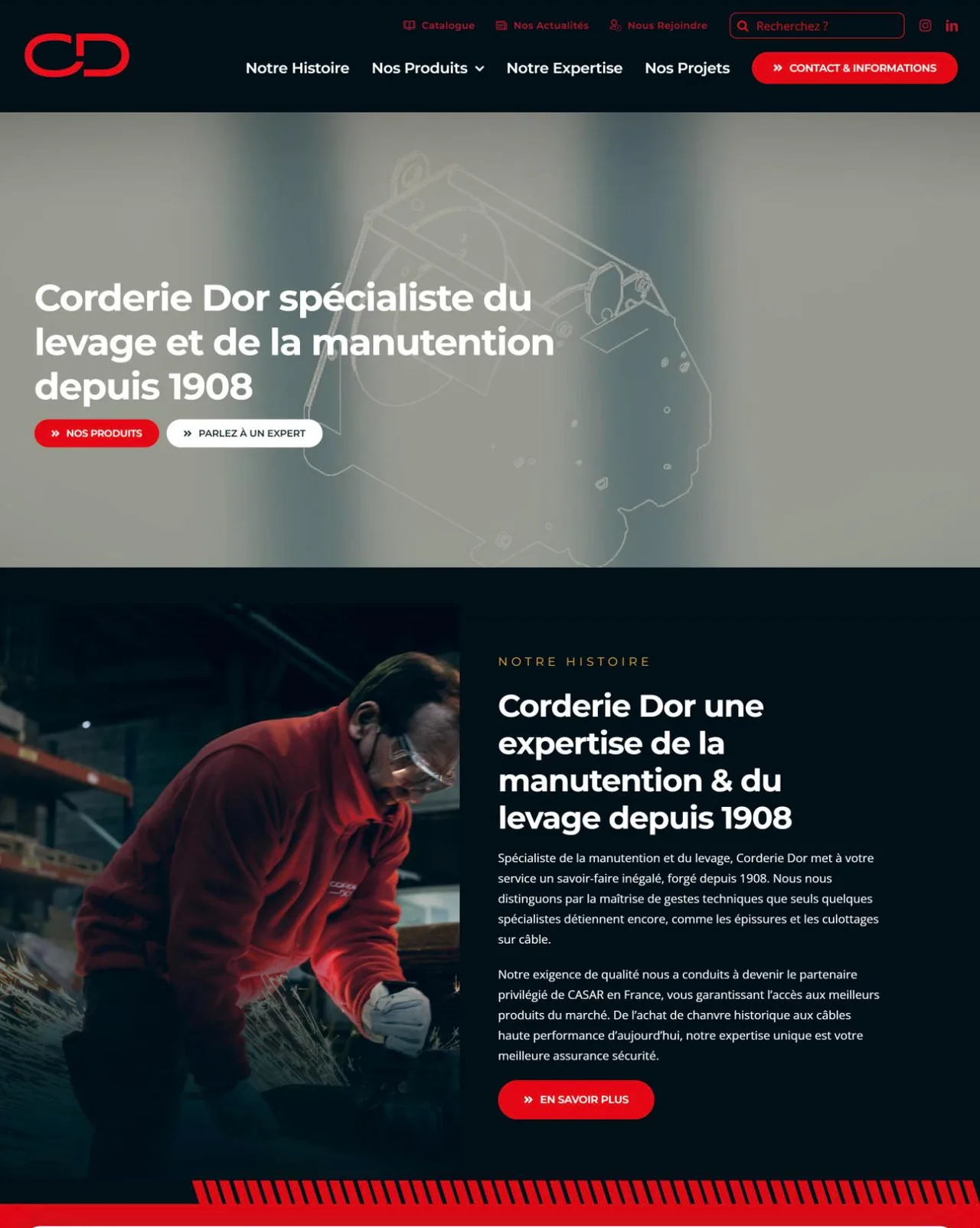
A French specialist in lifting and handling equipment, in business since 1908. We built automations and custom invoicing in Zoho Books, and the same kind of work in Zoho Inventory.
From supplier to shelf to client, with every document on the way.
Items, warehouses, taxes and the opening stock from a recent count.
Books, CRM, Shopify and carriers, tested with real orders.
A cut-off date, a count, then the warehouse and office trained.
Stock starts from a real count on a cut-off date, not from the old spreadsheet.
Inventory owns the count; channels read it, never the reverse.
Items mapped to the right accounts and taxes in Books, with your accountant.
An order placed, picked, shipped, invoiced and paid in test before launch.
Both are valid. We recommend one after seeing how your team works, and say why.
Typical starting points and where a good setup takes them. Names and details are illustrative.
Orders and invoices handled by hand
Orders, stock and invoices flowing from Inventory to Books
Zoho apps work best together. Each one has its own page.
It is Zoho's inventory and order management app: items, warehouses, sales and purchase orders, reorder points, batches, serial numbers, shipping and channel integrations, synced with Zoho Books.
Yes. Orders, items and stock levels sync between Shopify and Inventory, so both show the same count.
They are built to work together and share items, contacts and transactions. Inventory can also work alongside another accounting tool through an integration.
Yes. We import items and opening quantities from a recent count, by warehouse, and check totals with you before going live.
It depends on the number of teams, processes and data sources involved. After a free 30-minute call, you receive a fixed quote in writing before any work starts. Zoho Inventory licences are billed by Zoho, directly to you.
Yes. We configure, document and train in French, in English or in both, online everywhere and on site in Québec and in Benin.
A free 30-minute call, in English or French. You leave with a clear next step and, if you want one, a fixed quote.
What would you fix first?
On the call we walk through your sales process and find where leads and follow-ups get lost.
Ask TECHMA
Answers from our siteAsk in your own words. I answer from this site, tell you honestly when it is not something we do, and can book your free call right here.