01
The short answer
Start by opening the CrewDesk live demo and testing a project from beginning to end using the sample data. The model already includes projects organized into stages, tasks, team and performer profiles, inventory, chat and permissions. Then compare those features with your actual process: call sheets, detailed budget lines, client approvals and calendar synchronization are additions to define, not features of the demo.
02
What does the production management model already do?
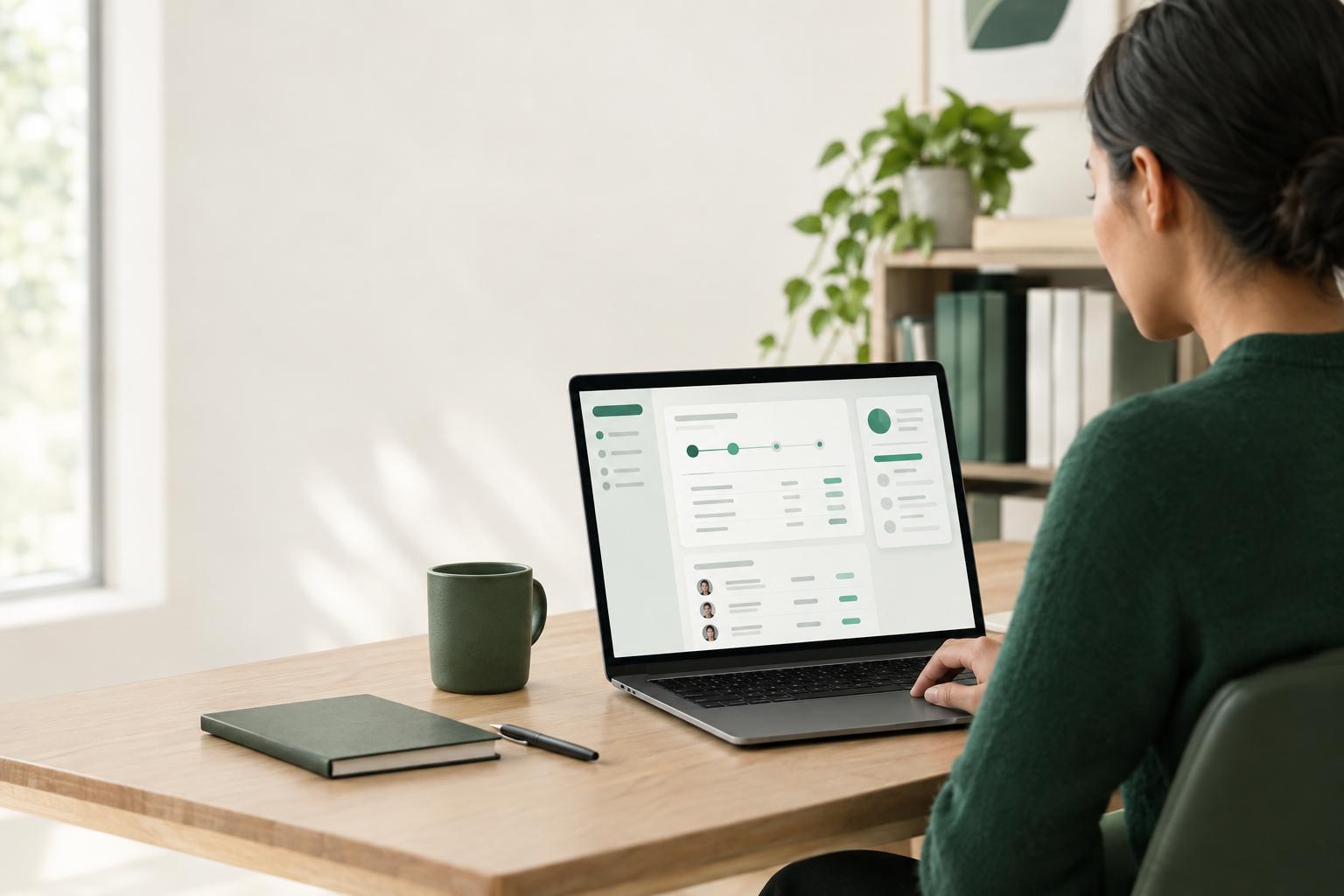
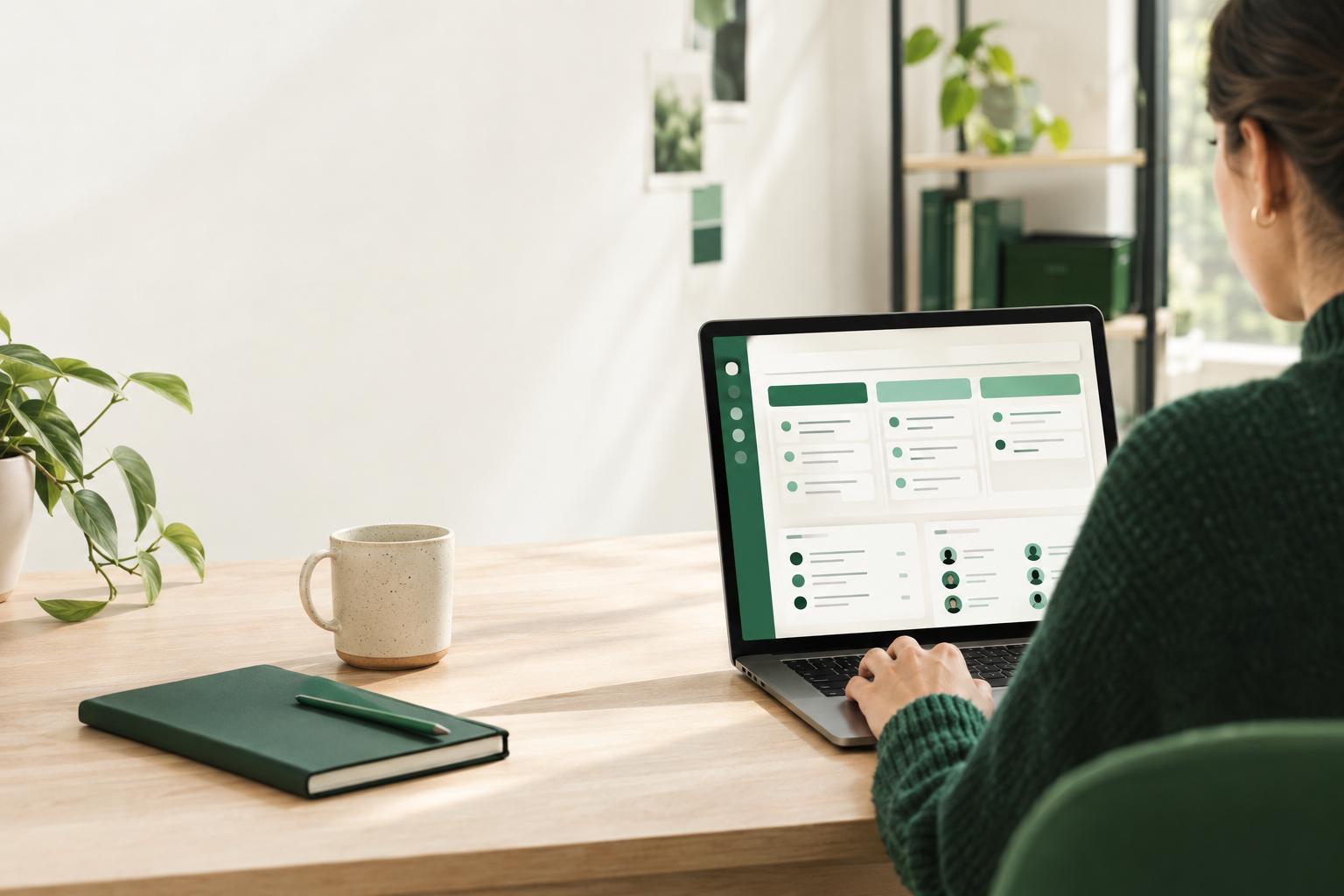
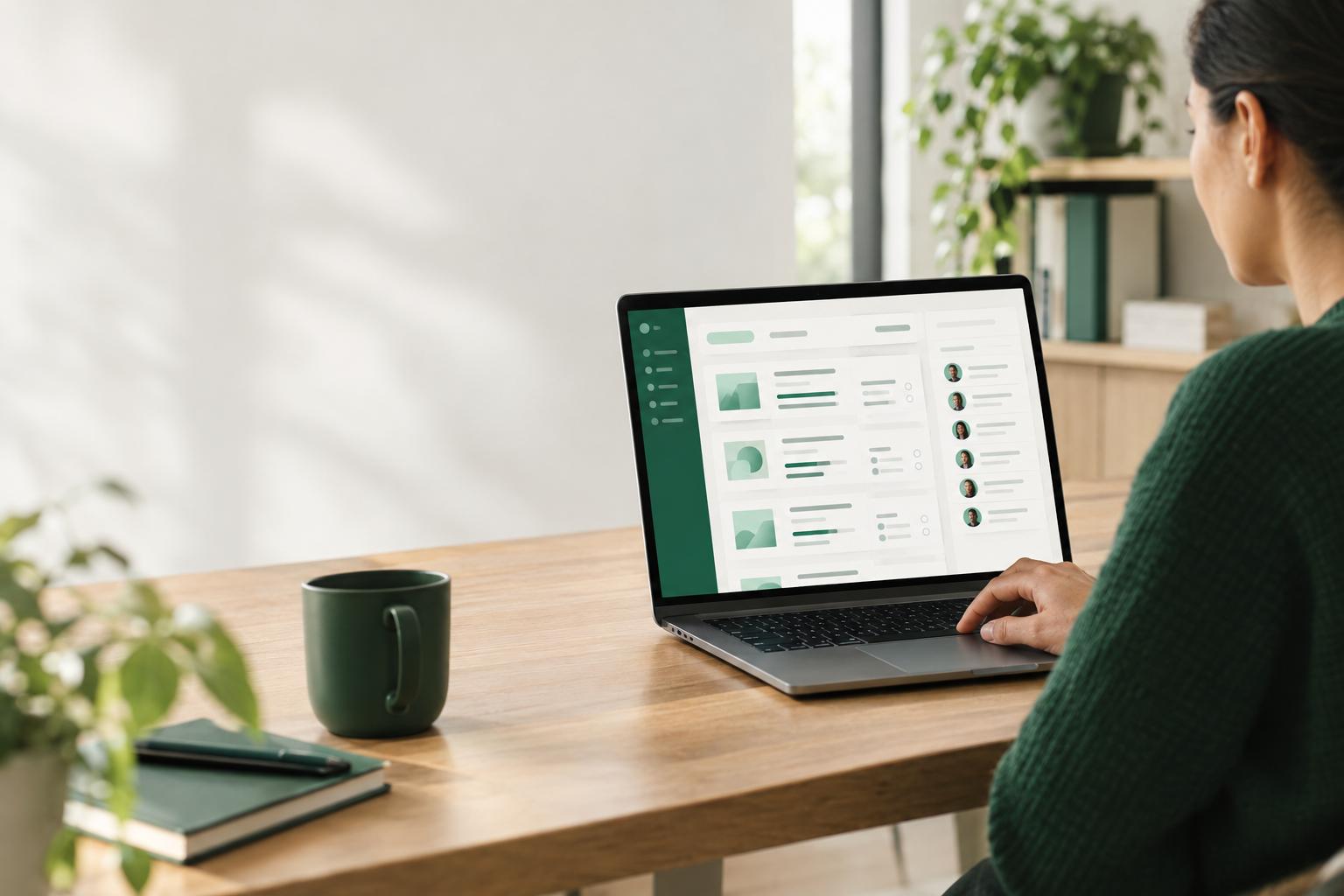
CrewDesk is a live demo application built for a production company and filled with sample productions. You can open it using the demo account provided on the page and explore the screens before deciding what you want to do with it. It is an application you can try, not a video or a mock-up.
- Projects by stage
- Each project follows five stages, from development to delivery, with an associated team, dates, budget and documents.
- Reusable tasks
- The demo includes priorities, deadlines, checklists, comments and reusable task lists.
- Teams and casting
- Each project is linked to its team. Performer profiles include details such as sizes and availability.
- Inventory
- The inventory of equipment, costumes and props is shown with sizes, quantities and prices.
- Communication and permissions
- The demo has channels for each project, direct messages, alerts when work is assigned and four roles whose permissions are set by production.
These features give you a starting point to assess; they do not prove that the application already follows all your rules. For example, having a budget for a production does not mean your specific budget lines are configured. Likewise, having inventory does not mean equipment check-outs and returns are tracked your way. If your process calls for these elements, we can add them while adapting the model.
03
What should you change first?
Don’t start by requesting a long list of features. Instead, identify the gaps that cause the most confusion or repetitive work in your production company. Choose a representative production and compare its actual workflow with the demo screens. Note the differences without assuming that every one is a priority.
- 1Describe your current workflow, from development to delivery. Record the stages, the people responsible and the information that needs to follow each production.
- 2Try the sample data in the live demo. Open a project, review its tasks, check the casting profiles, and explore the inventory and chat.
- 3Separate what already fits from what is missing. A difference in terminology may be addressed through customization; a missing work rule or stage may require a more substantial change.
- 4Rank the gaps by priority. Start with what is needed to track work or prevent errors, then leave secondary improvements for a later stage.
- 5Confirm the additions you expect. Call sheets in your format, budget lines for each production, synchronization with Google Calendar or Outlook, equipment check-outs and returns, and a client approval portal are possible additions that are not in the demo.
This list also helps prevent a common misunderstanding: treating a customization idea as a feature that already exists. Write down for each gap whether it is essential at launch or an improvement to consider later. We can then discuss what the adaptation needs to include.
04
How do you roll it out with your team, step by step?
A tool is not adopted simply because it has the right screens. The team needs to know what information to enter, when to enter it and who is responsible. Plan a limited, gradual rollout so you can check work habits before extending use to all productions.
- 1Choose a pilot production. Pick a project that is representative enough to test stages, tasks, teams, casting and inventory, but contained enough for the team to give specific feedback.
- 2Set data-entry rules. Agree on names for stages and projects, task owners, the information required in profiles and who updates the data.
- 3Assign roles and check permissions. The demo includes four roles and lets production decide what each person can see and change. During customization, check that access matches your actual responsibilities.
- 4Prepare the data you want to use. Decide which productions, people and inventory information need to be brought over. Do this preparation as part of the adaptation; the demo’s sample data is not your production data.
- 5Show each group the basic tasks. Hold a short hands-on session covering tasks, deadlines, communication and anything specific to each person’s role. A demonstration using a familiar production is usually more useful than a tour of every screen.
- 6Collect issues after the trial. Ask what is hard to find, what information is missing and which rules are still unclear. Separate necessary fixes from requests that can wait.
- 7Expand use once the process is clear. Document useful instructions, then gradually add the other productions and the selected adapted features.
05
Is the model better than subscription software, a theme or a new application?
There is no single right choice for every team. The model is most suitable if you want to start with a working application, check how it functions in the demo and adapt it to your way of producing. Compare options based on your needs, your team’s ability to manage the tool and the changes you expect.
- Subscription software
- Choose this route if an existing product meets your needs, its standard workflow suits you and you prefer software managed by its publisher. Check the exact features, configuration limits and terms that apply to your team before committing.
- A website theme or template
- This is often a better fit if your main need is to create or update a web presence. A visual theme is not necessarily a management application with a database, accounts, administration and workflows.
- The adapted CrewDesk model
- Consider this option if the demo’s projects, tasks, teams, casting and inventory look familiar, but you also need your own fields, rules or features. You are not starting from a blank page, but you should not assume everything is already customized.
- An application built from scratch
- This may be a better fit if your process is highly specific, the model’s features take you away from what you need or you have to design a completely different experience. You will, however, need to define and build the application without using CrewDesk as a starting point.
AI does not automatically make a custom application the better choice; the right option depends on the gap between your needs and the available tools. If subscription software already covers your process and its rules work for you, keeping it may be simpler. If you only need a web presence, a theme may be enough. The model becomes worth considering when you want an existing management application as a base, with targeted adaptations. Starting from scratch makes more sense when the model is too far from the way you need to work.
06
How can you get the model and decide what to do next?
Start by opening the CrewDesk live demo. Explore a project page, tasks, casting, inventory, chat channels and permissions. The demo page provides an account to try. As you explore, ask yourself one simple question: does this structure look enough like your work to be a starting point?
- Buy the source code
- This option is for a team with a developer or technical partner that wants to take responsibility for the code and modifications.
- Have TECHMA adapt the model
- We start with the existing foundation and define with you which features need to be adjusted or added to fit your process.
- Have TECHMA build and manage the application
- This option may suit you if you would rather entrust TECHMA with building and managing the application.
Prices are not published; you need to discuss your needs to receive a proposal. To prepare for that conversation, bring a list of your stages, team roles, priority gaps and possible additions. The goal is not to buy every possible feature, but to decide whether the model is a good starting point and what work your team wants to keep.
Sources
The pages the facts in this guide come from. Each link was checked when the guide was written.