01
The short answer
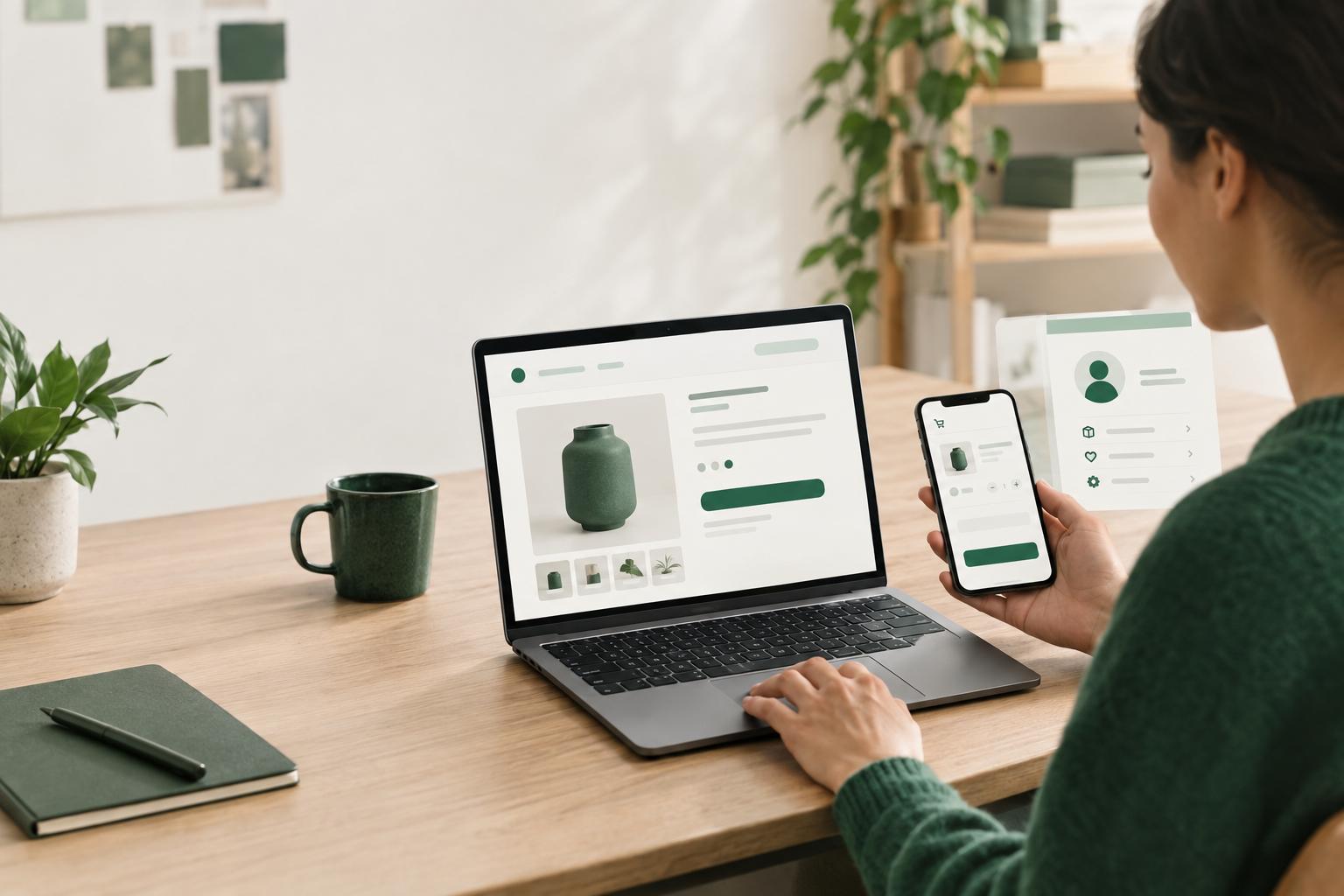
Start by opening the live ListingHub preview: you can browse the pages, add a product to the cart and view the buyer account without creating an account yourself. The model already includes product pages with prices and previews, a cart, Stripe checkout connected to your own account, and a buyer account that provides access to purchased files and installation steps. Then replace the examples with your own offer, check the buying process and show your team how to handle orders.
02
What does the model already do—and what should you check in the demo?
ListingHub is a real online application, not just a screen mockup or visual theme. The demo shows sample data: browse it as a buyer, then consult the model page to learn more. What you see is the starting point; don’t assume that anything missing from the demo is included.
- Product pages
- Each product shows its price and a preview. For your offer, you’ll need to prepare titles, descriptions, the files or content to deliver, and useful instructions for buyers.
- Cart and checkout
- The buying process includes a cart and Stripe checkout configured in your own account. Checkout is disabled in the demo: you can follow the process, but no transaction is made.
- Buyer account
- After a purchase, buyers can use their account to find the associated files and installation steps. This matters for products that buyers need to download, import or configure after ordering.
- Administration and branding
- ListingHub lets you adapt the name, colours, text, domain and product categories. The exact setup of your application will depend on the adaptation you choose.
In its broader white-label marketplace demo, ListingHub also shows a directory with categories, ratings, prices, pros and cons, and tracked partner links; category, comparison and alternative pages; expert profiles; and a blog. These are features shown in that demo. Don’t confuse them with features guaranteed by the digital product sales flow alone: ask to see them and confirm their scope if they matter to your project.
03
What should you change first to adapt the model to your offer?
Avoid starting by customizing every colour or screen. First decide what you’re selling, who it’s for and what buyers should receive after payment. A downloadable file, a course with several steps and a bundle of resources may need different delivery instructions. Write down these decisions in a short planning brief before changing the application.
- 1Define your first audience and a first selection of products. Keep the offer clear enough to check that categories, names and descriptions genuinely help people choose.
- 2Gather the content for each listing: name, price, preview, description, files to provide and installation instructions. Replace the examples with items you’re authorized to distribute.
- 3Organize products into categories buyers can understand. If buyers may be choosing between options, explain the differences in the descriptions or ask whether comparison pages should be added as part of the application adaptation.
- 4Confirm the post-purchase process. Check that buyers understand where to sign in, where to find their purchase and how to use the files. The model includes access to files and installation steps; the specific content depends on what you add.
- 5Replace the name, colours, text and branding elements. Review messages buyers can see so the store, checkout and private account speak with one voice.
- 6Set your business rules before launch: terms of use, refunds, rights to use the files and the support you offer. Have a qualified professional review legal or tax questions specific to your situation.
Some features aren’t in the demo and must be presented as additions to be built through an adaptation: licences and download limits, coupons, product bundles, seller payouts through Stripe Connect, and taxes configured for the markets where you sell. If you’re selling your own products, you may not need to manage third-party sellers at launch. If you’re planning a true multi-seller marketplace, clarify payout rules, responsibilities and the sign-up process early.
04
How can you test the buying process before showing it to your team?
A demo without real payments is useful for reviewing how screens fit together, but it doesn’t confirm that your payment setup is ready for sales. Make a test list before launch and run it again when the adaptations are complete. Stripe says an integration must also handle payment events to trigger delivery and record an order, so don’t rely only on the buyer returning to a confirmation page.
- Find a product
- Can a new buyer browse or search your catalogue, understand the differences between products and find the right preview?
- Understand the offer
- Are the price, delivered content, terms of use and post-purchase steps clear enough to prevent surprises?
- Buy and find the order
- Test checkout in a test environment, then check that the order is recorded and the buyer account displays the right content.
- Use a phone
- Browse the pages on a small screen and check that listings, buttons and instructions are still easy to use.
- Handle an exception
- Decide what to do if a payment fails, a file is incorrect or someone can’t open a purchase. Test the responses and identify who takes over.
To explore it now, open listinghub.techma.ai. The demo opens without an account, uses sample data and has checkout disabled. Try the process as a buyer, then consult the model page. If you want to confirm the scope of the digital product model specifically, start from that model’s page and ask to see anything that isn’t visible or needs to be adapted.
05
How should you roll out the marketplace to your team?
Launching isn’t just a matter of giving your team a web address. People who publish products, respond to buyers or check orders need to know what to do, where to do it and when to ask for help. A gradual rollout helps you spot common questions before opening the store to everyone.
- 1Name one person responsible for the catalogue and one for orders. In a small team, the same people can handle both; the important thing is that the tasks have clear owners.
- 2Prepare a short procedure for creating or editing a listing, checking the price, attaching the right file and reviewing the instructions buyers see after purchase.
- 3Run through the process with a few team members: ask them to find a product, go as far as the cart, then explain where a buyer would find their order.
- 4First open access to a small group or a first selection of products. Collect specific issues and fix the pages or procedures before expanding the launch.
- 5When you open the store, monitor orders, access questions and content errors. Keep a list of adjustments, separating urgent fixes from improvements that can wait.
- 6After launch, review prices, links, files and instructions regularly. Quickly remove or replace anything that’s out of date.
Also explain the limits of the initial model clearly. For example, managing licences, download limits, coupons, bundles or seller payouts requires an adaptation: the team shouldn’t promise these options before they’re defined and tested. A visible list of available features, planned additions and responsibilities helps prevent conflicting expectations.
06
Model, subscription software or custom application: which path should you choose?
A model gives you an existing process to start from and adapt. It’s a good fit if the cart, checkout, buyer account and delivery match your main need. With TECHMA, you can buy the source code, have TECHMA adapt the model or have us build and manage it for you. No prices are published on the models page, so ask about the options for your project instead of assuming a cost.
- Subscription software
- Choose this route if an existing solution already meets your needs, you want to limit customization and its account, data and operating rules work for you. Check the included features and product limitations before committing.
- Theme template
- A theme may be enough if you already have a sales platform and mainly want to change how its pages look. A theme alone doesn’t necessarily replace accounts, administration, order tracking or private delivery.
- Application model
- This is a concrete starting point if the demo’s process resembles your business and you want to examine the application before deciding how to get it. You’ll still need to adapt the branding, catalogue and rules specific to how you operate.
- Application built from scratch
- This route may be a better fit if your rules or integrations differ significantly from the existing process, or if you need to design specific features from the outset. You’ll need to define those requirements rather than assume a model includes them.
Another option is to keep an existing tool and add the features or automation you need. The other is to replace it with a custom application; language models can reduce the effort involved in building some projects, but they don’t make decisions about security, data and user flows unnecessary. To compare these paths, open ListingHub, note which features you’d use as they are and which you’d need to add, then choose based on that gap. You’ll find TECHMA’s available models on the models page.
Sources
The pages the facts in this guide come from. Each link was checked when the guide was written.