01
The short answer
Start by opening the ListingHub live preview without creating an account, then check whether its listings, category pages, and comparison pages fit your directory. The template also includes a digital product shop, expert profiles, a blog, and brand settings. Prepare your data and note what would need to be adapted: a map, location search, paid listings, and owner accounts are not included in the demo.
02
What does the directory website template already do?
ListingHub is an online application you can explore in a live preview without an account. It is more than a theme or mock-up: ListingHub is an online application. The demo lets you examine screens and sample data before deciding whether this foundation fits your project.
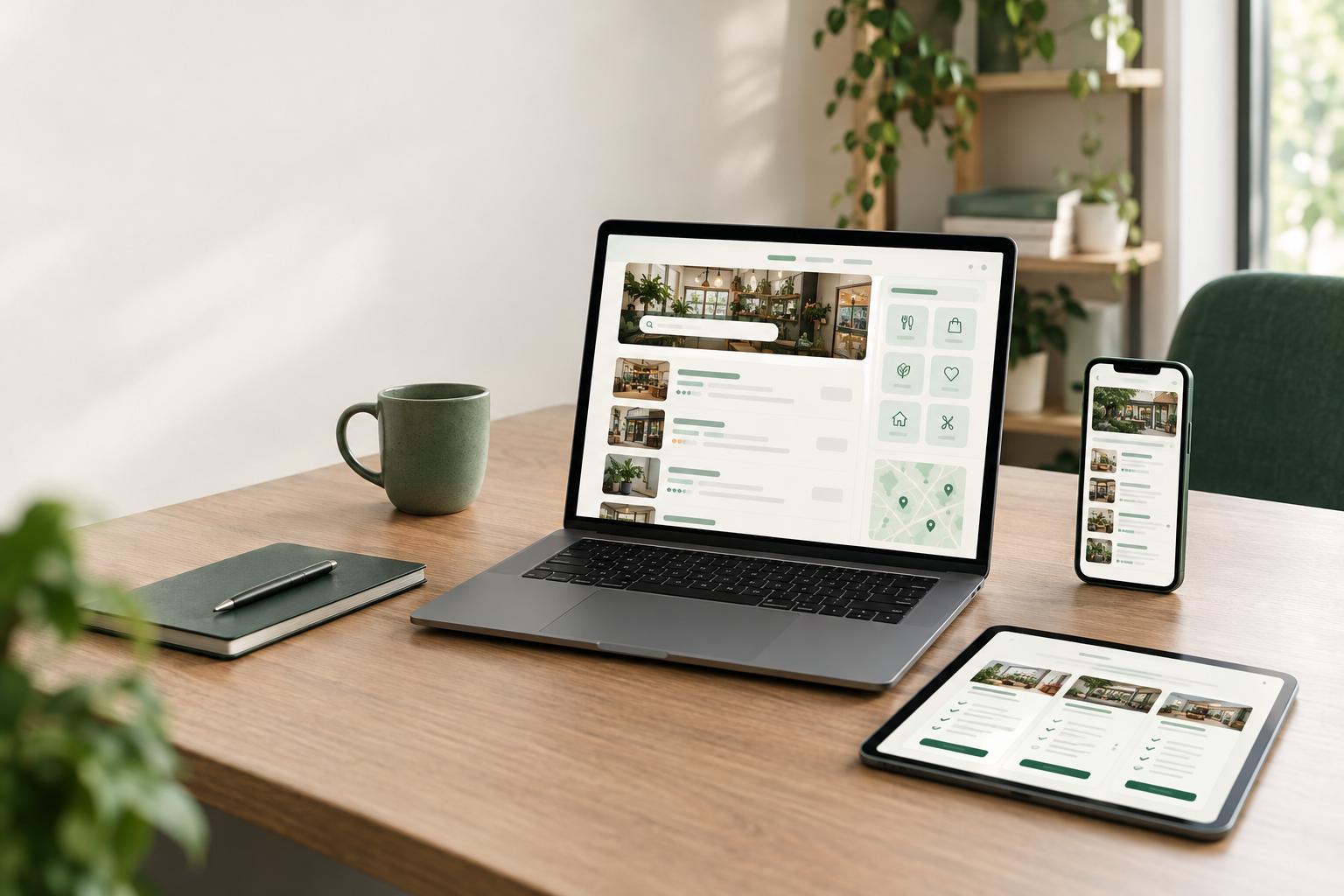
The directory includes listings with categories, ratings, prices, advantages and limitations, as well as tracked partner links. From those listings, the application generates category, alternative, and comparison pages. It also includes a sitemap and structured data. Open these pages to see how one listing can support several ways of browsing the options; you can then assess whether the information and comparisons suit your industry.
The preview also shows a digital product shop with a cart, Stripe checkout through your own account, and private delivery in the buyer’s account. Expert profiles show skills, rates, and availability; interested people can apply, and you approve them. The blog lets you write articles in the administration area with an AI assistant, or publish articles daily using an automated writer. Finally, one settings file groups the name, colours, text, domain, and service areas. Open the live preview and check these features for yourself.
03
What should you prepare before changing listings and categories?
Before adapting the application, write down what someone needs to learn from each listing and what action they should be able to take next. A listing for a local business, supplier, rental, or software product may not need the same information. Start with the details people need to understand and compare each option. The demo provides a listing and page structure; you decide which information is relevant to your business.
- The fields
- Prepare one column for each useful detail. Note which fields are already represented in the demo and which are specific to your industry.
- The listings
- Prepare one listing per row and gather the available data. Check that ratings, prices, advantages, and limitations are presented consistently.
- The review
- Assign someone to check the data and links before publication. Consistent information makes it easier to compare options and supports the pages generated from those listings.
Also prepare examples of the pages you want to offer: a category page, an alternatives page, and a comparison of relevant listings. This will help you decide which categories are useful and whether the available data is enough to make those pages clear. You do not need to gather your entire inventory before starting your evaluation. A few representative examples are enough to identify questions to resolve before an adaptation.
04
What should you change first?
Start with what directly affects how people understand the directory: the terminology, listing fields, categories, and way information is presented. Replace the sample data with a few real or representative listings, then review the category, alternatives, and comparison pages generated from them. Because those pages depend on the listings, complete and consistent data matters as much as how it is presented.
Some requirements are not part of the demo and need to be treated as adaptations. TECHMA can add fields for your niche, such as hours, territory, or permits; a map and location search; paid or featured listings; or accounts that let owners update their listings. Do not assume these features are already included. Separate essential requirements from improvements that can wait. Launching with a well-defined listing structure and clear categories may be enough to check whether the template fits before adding other features.
05
How can your team test the template before launch?
Testing is about checking requirements and user journeys, not just choosing colours. In the demo, you can explore listings, related pages, the shop, and administration screens using sample data. This does not replace testing your adapted version with your own data. To prepare for that review, assign responsibilities based on the work your team will need to do:
- Prepare the data
- One person gathers sample listings, checks the information, and identifies missing data.
- Review the data
- Another person compares listings and the pages generated from them to find differences in wording or information.
- Browse the site
- A third person explores the directory as someone looking for an option, then notes any steps that are unclear.
The template is an application with a mobile-friendly presentation. Still, have your team check important journeys on a mobile device: opening a category, viewing a listing, and returning to the options. If your project will use the shop, review the cart and private delivery process too. Stripe payments are disabled in the demo; real payments must be configured in your own Stripe account. Test that configuration in the version prepared for your project before opening the shop to buyers.
06
Application template, subscription, theme, or custom development?
The right choice depends on the features you need, the work your team can take on, and how different your process is from the existing application. Directory software offered by subscription may be a better fit if you want a hosted solution that is ready to use and its features already meet your needs. You avoid managing the code, but depend on the provider’s features and terms. A theme template may work if you mainly need pages and a presentation, and your team can assemble and maintain the required tools. A theme by itself is not the same as an application with a database, accounts, and administration.
Building from scratch may make sense if your rules or integrations are too specific for a reusable foundation. In that case, more needs to be defined and built before you can evaluate a working application. With ListingHub, you can first open the preview to see whether the foundation fits, then choose one of three ways to get the template: buy the source code, have TECHMA adapt it, or have TECHMA build and manage it. Buying the code can suit teams with the technical resources to maintain it; adaptation lets you tailor it to your business; having TECHMA manage it is an option for teams that also want to delegate its operation. We do not publish a price for this template, so we do not provide one here. Compare the options based on your needs, technical capacity, and how much responsibility you want to retain. You can also browse TECHMA’s other templates.
Sources
The pages the facts in this guide come from. Each link was checked when the guide was written.