

Projects with stages
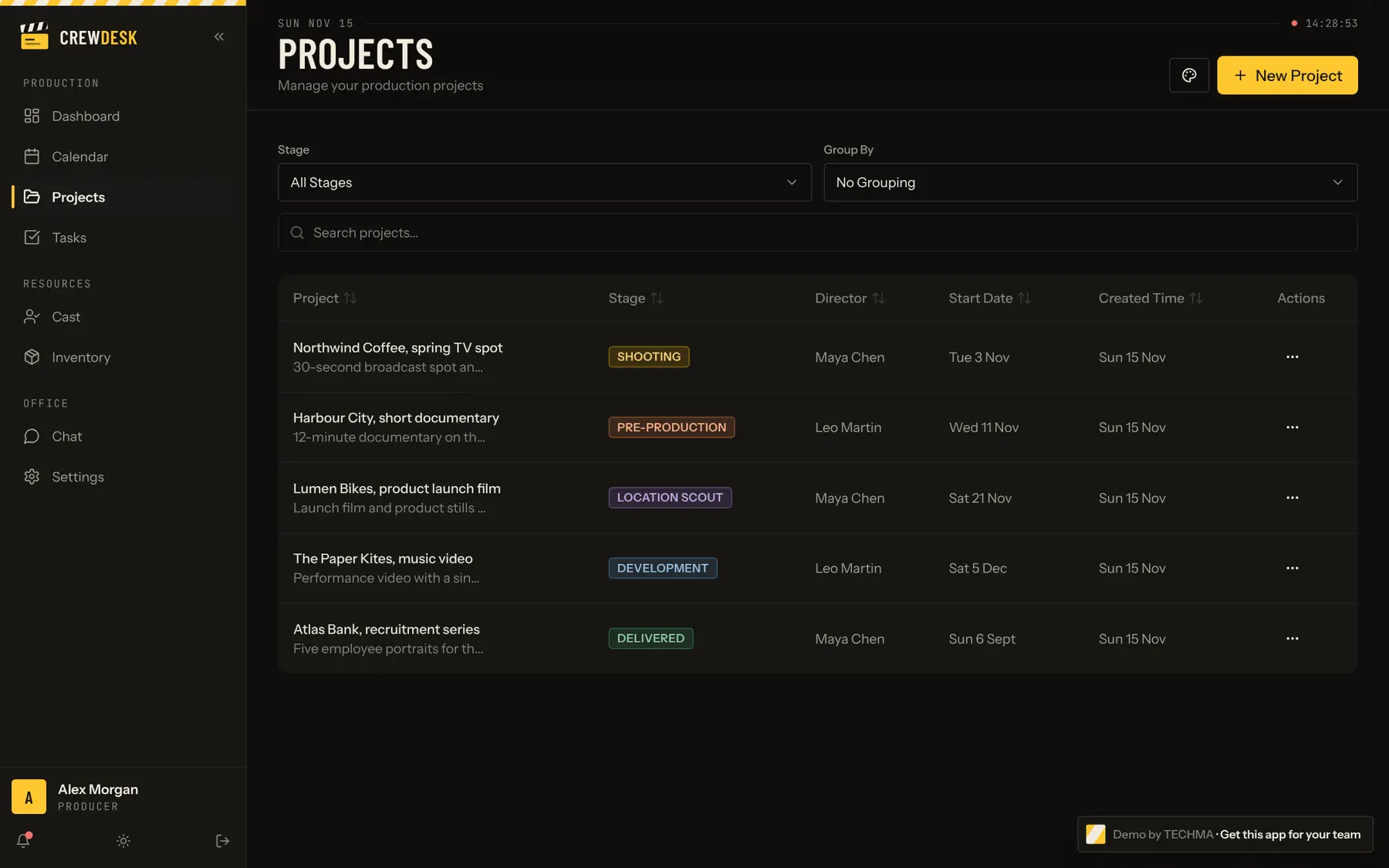
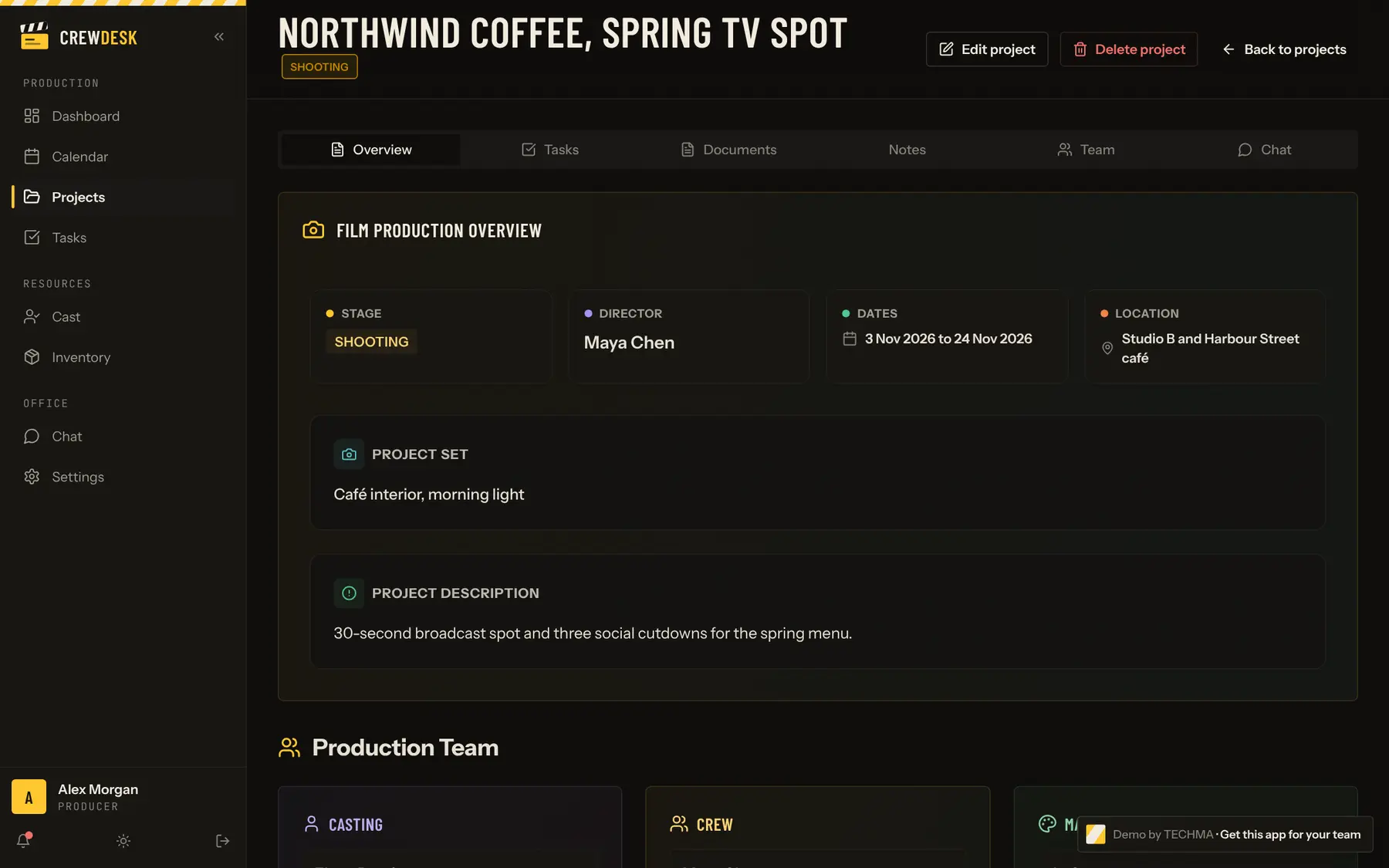
Five stages from development to delivery, each with its team, dates, budget and documents.
Template · Project management
Board and list views, four statuses, priorities, due dates, checklists and comments, with each task linked to a project, a person and the calendar.
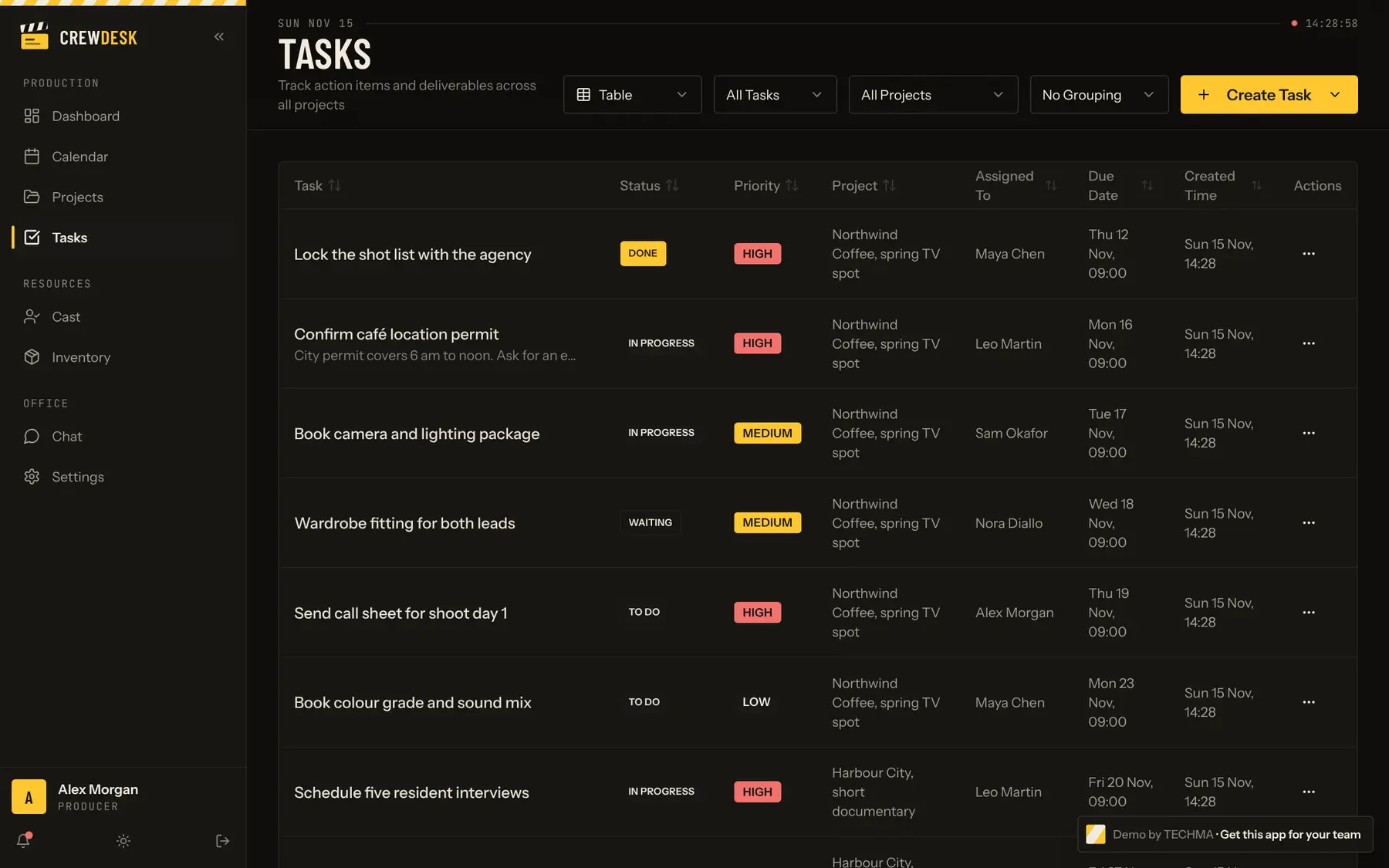
A task app on its own is easy to find. What teams end up needing is the task tied to its project, its person and its date, with an alert when it is assigned, and reusable lists so the same work is never typed twice. The template has all of that.
Screens
CrewDesk
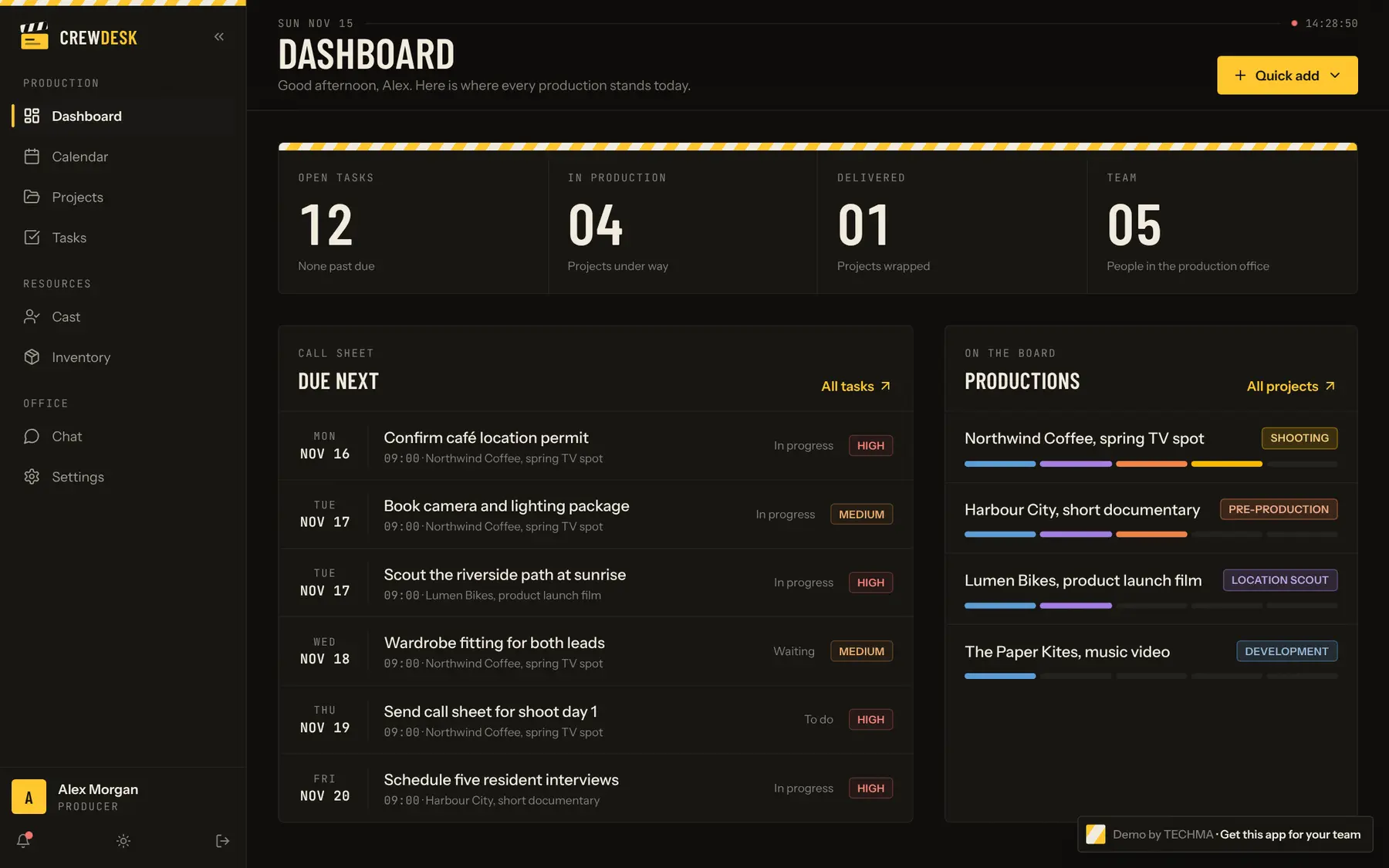
Everything here works in the live preview.
Five stages from development to delivery, each with its team, dates, budget and documents.
Priorities, due dates, checklists, comments and reusable task lists.
Crew per project, and cast profiles with sizes and availability.
A stock of equipment, wardrobe and props, with sizes, quantities and prices.
Project channels, direct messages and alerts when work is assigned.
Four roles, from producer to crew, and the producer sets what each one can see and change.
Not in the demo: these are additions we build when we adapt the template, quoted with the rest.
Three ways to get a template
Prices are on quote: the first call is free and ends with a clear number.
The whole application is yours: the code, the database and the right to change it.
The same base, rebuilt around your business: your brand, your process, your tools.
We build it, host it, watch it and keep improving it. Your team just uses it.
Template guides
New guides go out every week, each one built on a template you can open live.
Yes. Tasks show as a board by status, or as a list you can sort.
A theme changes how a site looks. These are applications: they store data, have accounts and permissions, and do the work, such as moving a project through its stages or taking a payment.
On a call, a developer can walk you through the code and the database structure before you decide.
Project management
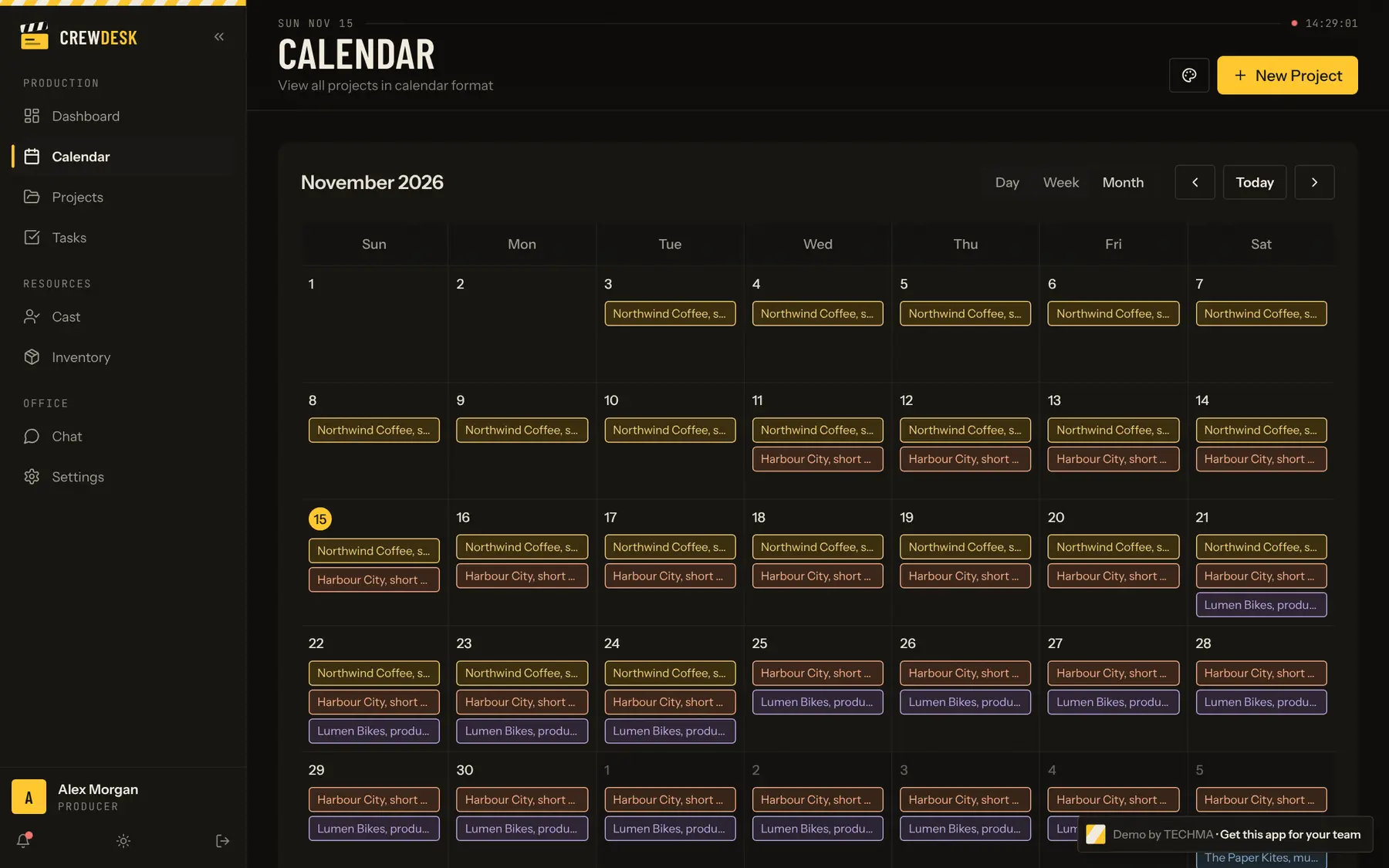
Projects by stage, tasks, calendar, people, inventory and team chat in one app.
Project management
Productions from development to delivery, with crew, cast, gear and chat.
Project management
Jobs by stage, crews, equipment, tasks and a chat per site.
Bring the one you liked to a free 30-minute call. We will tell you what it takes to make it yours.
What would you fix first?
On the call we walk through your sales process and find where leads and follow-ups get lost.
Ask TECHMA
Answers from our siteAsk in your own words. I answer from this site, tell you honestly when it is not something we do, and can book your free call right here.