01
The short answer
Start by opening the CrewDesk live preview and testing your scenarios with the demo account provided on the page. If the model suits your needs, you can buy the source code, have TECHMA adapt it, or have TECHMA build and manage the application. Before choosing, separate the features already in the demo from the changes you would need, then ask your developers to clarify your hosting, data and permissions requirements.
02
What does CrewDesk already do, and what still needs adapting?
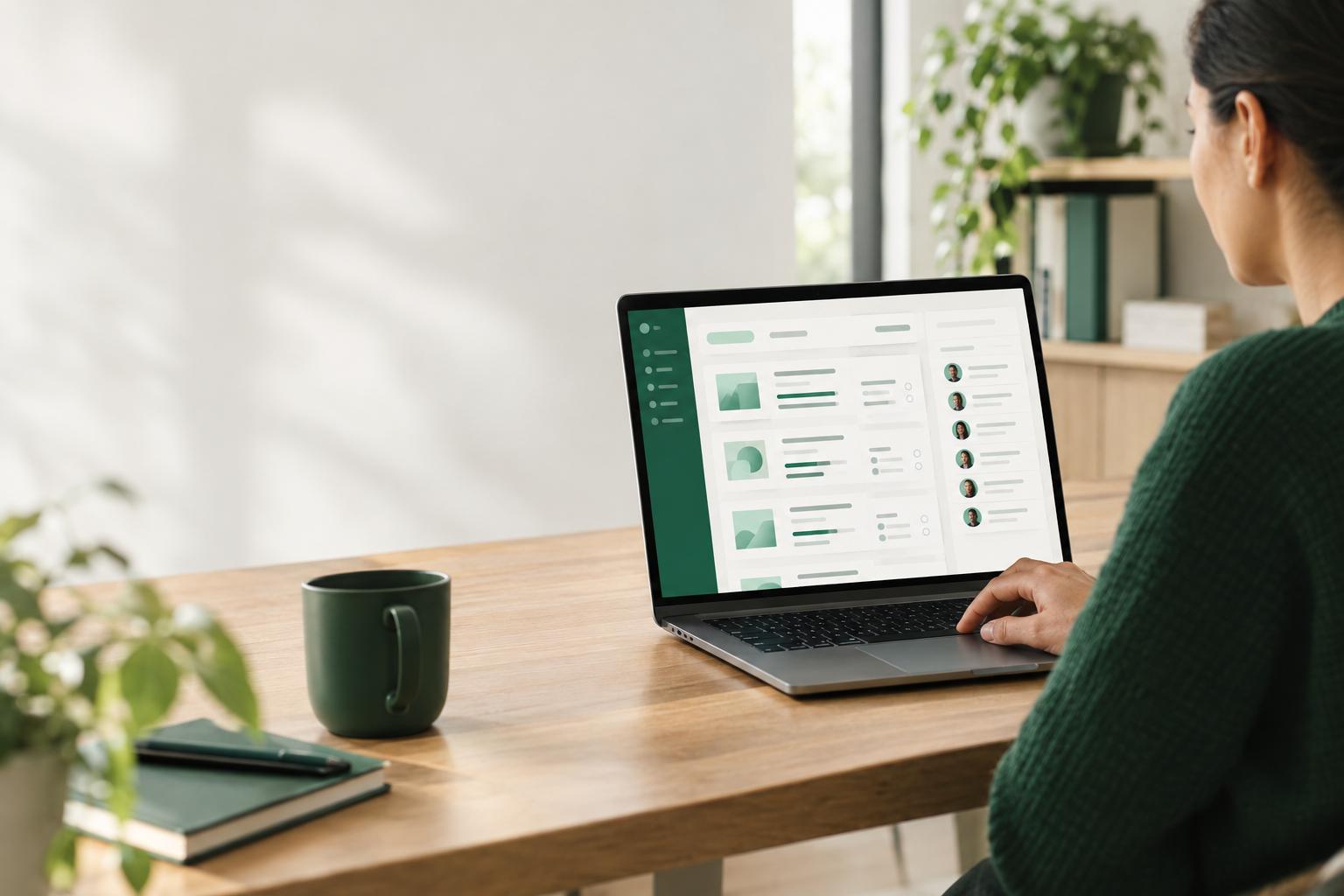
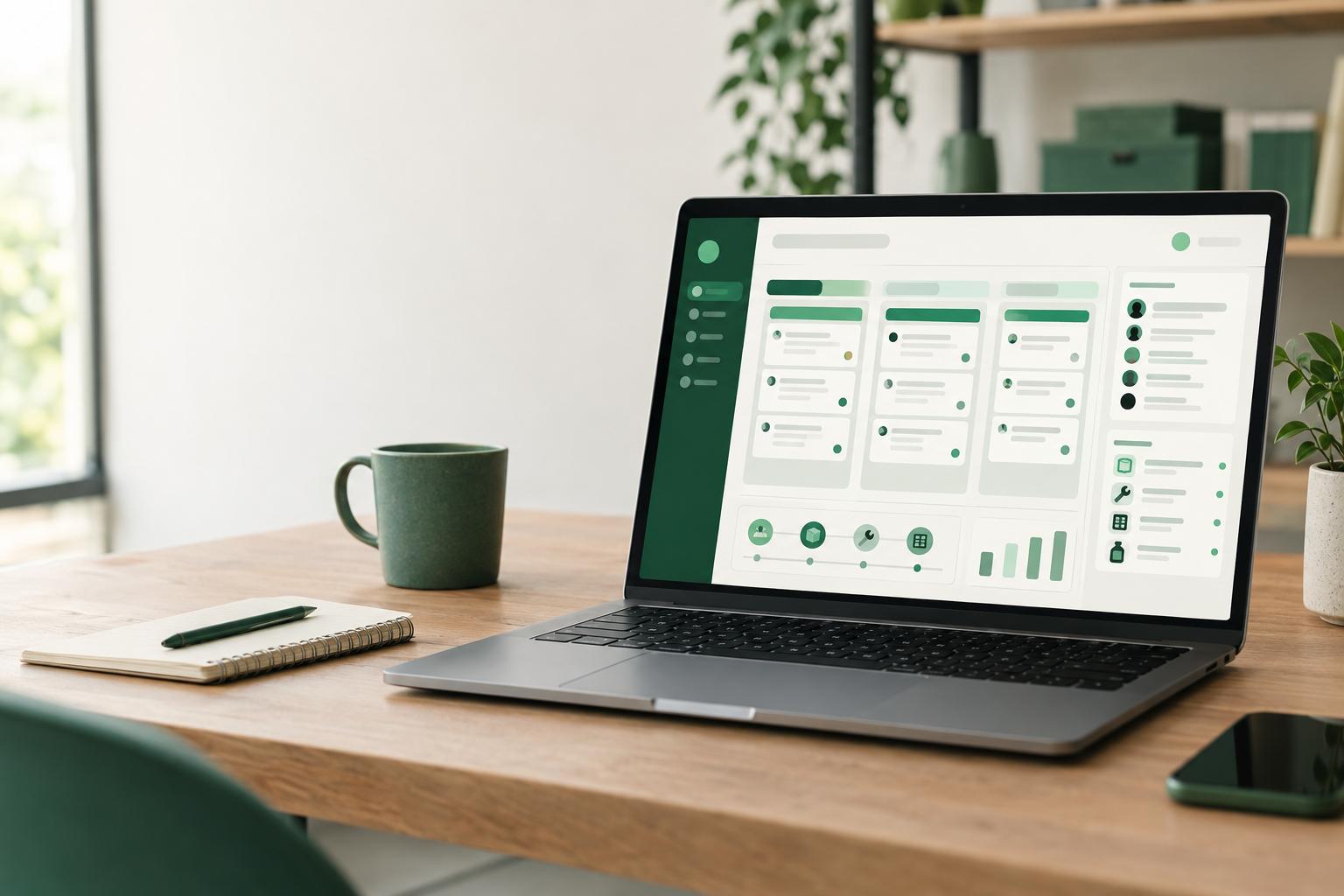
CrewDesk is a working online application, not a mock-up or a simple visual theme. You can try it in the demo before choosing. It includes projects organized into five stages, from development to delivery; each project has its team, dates, budget and documents. The demo also includes tasks with priorities, deadlines, checklists, comments and reusable task lists.
Do not confuse the features you can see with the adaptations that may be possible. Your company’s specific stages, forms, integrations, approval rules and reports should not be assumed to be in the demo. These are items to define and add when adapting the application. The code includes the screens, server, database structure and installation steps. A handoff call with the developers, help putting it online on your accounts, and custom features are additions TECHMA can provide when adapting the model; they are not part of the demo.
03
Step 1: How can you check whether the model fits your work?
The goal is not to find your current way of working reproduced exactly from the first click. It is to distinguish the features already visible from the adaptations you would need, then decide whether the gap warrants customization. If the demo’s project stages, tasks, teams, inventory and communications do not resemble your work, look for another starting point rather than piling on changes. The preview is there to help you make this assessment before choosing the code or support.
04
Step 2: What should you change first?
- 1Start with how the team works, not the interface colours.
- 2Choose a pilot process and describe its stages using the words your team uses day to day.
- 3For each stage, state what allows work to enter it, what confirms it is complete, and who can move the project forward.
- 4Then decide which fields are needed when a project is created and which can wait.
AI features, connections to a CRM or another tool, custom dashboards and automations should not be treated as features in the demo. You can assess them as additions, provided you define the need and the rules to follow. You can compare two paths: keep the tool you use and add AI to it, or replace part of the process with a custom application. The right choice depends on what you need to keep and what makes your way of working distinct.
05
Step 3: How should you prepare the code, database and hosting?
CrewDesk source code is intended for a team able to manage a software project, or for a company working with developers. The stated technology stack includes React 18, TypeScript, Vite, Tailwind CSS and Radix UI for the screens, Express for the server, and PostgreSQL with Drizzle ORM for the data. The demo runs on Vercel and Supabase. These choices describe the model; they do not require you to use the same hosting for your version.
The fact that the demo is hosted on Vercel and Supabase does not mean your company has to choose those providers. Your developers can assess which hosting fits your architecture, internal requirements and storage needs. If you plan to handle personal information, ask a lawyer to assess the obligations that apply to your situation. This article is not legal advice.
06
Step 4: How can you deploy it without forcing a sudden change?
- 1Do not move all your work into the new application without testing it first.
- 2Choose a pilot project, agree on the data to enter, and decide how the team will ask for help.
- 3Clearly state which tool is the source of truth during the test so information does not become scattered across the application, spreadsheets and messages.
Deployment is not finished when the application becomes accessible. Decide who creates accounts, answers questions, approves changes and tracks updates. If your organization does not have developers available, having TECHMA adapt or manage the application may suit you better than buying the code alone. Putting it online on your accounts and adding custom features are work to request; they are not in the demo.
07
Source code, subscription, theme or a build from scratch: which should you choose?
Subscription software is often a better fit if you want to get started without managing code, a server or updates. Check whether its features, permissions, data export and recurring fees meet your needs. A visual theme suits a website whose main need is presentation; it does not replace a management application with accounts, a database and workflow rules.
Buying CrewDesk source code may suit you if you have a technical team and want control over hosting and changes without a per-user licence. The model provides a working starting point instead of requiring every component to be built from scratch. A fully custom application may be preferable if your processes are very different or an essential feature cannot be added cleanly to the model. However, it requires you to define and build the features you need rather than starting with an application that already works.
To compare your options without committing too early, open the CrewDesk live preview, then choose among the three ways to get the model: buy the source code, have TECHMA adapt it, or have TECHMA build and manage the application. No price is published in this article. Consult TECHMA’s models page to see the available options. the code can be hosted on your organization’s accounts.
Before deciding, write down the requirements you cannot compromise on: the roles to manage, the data to keep, the tools to connect and the tasks the team must complete each week. Then check those requirements against the preview and sort them into three groups: already in the demo, to add by adapting the model, or not covered. This list helps you compare CrewDesk with a subscription without focusing only on how a screen looks. It also helps your developers estimate the work involved. If you have no one to operate the code, a model adapted or managed by TECHMA may be a better fit; if your needs are already met by subscription software, that may remain the simplest choice.
Sources
The pages the facts in this guide come from. Each link was checked when the guide was written.